
Best browser for computer users want fast speed, strong security, and smooth performance in 2026. With many web browsers available for PC and laptop, choosing the right one can improve your browsing experience, protect your privacy, and save system resources. In this guide, we compare the top browsers for computers to help you decide which option is best for your needs.
Table of Contents
What Makes a Browser the Best for Computer?
Before picking the best browser for computer, consider these key factors:
- ⚡ Speed & performance
- 🔒 Security & privacy
- 🧩 Extensions & add-ons
- 💻 Compatibility with Windows
- 🔋 RAM and battery usage
- 🎨 Customization options
1. Google Chrome – Best Overall Browser for Computer
Google Chrome remains the most popular and widely used browser for computers.
✅ Pros:
- Extremely fast loading speed
- Supports thousands of extensions
- Seamless integration with Google services
- Frequent security updates
❌ Cons:
- High RAM usage
- Less privacy-friendly by default
👉 Best for: General users, developers, students, and professionals
👉 Verdict: ⭐ Best overall browser for PC in 2026
2. Mozilla Firefox – Best Browser for Privacy
If you value privacy and security, Mozilla Firefox is an excellent choice.
✅ Pros:
- Strong privacy protection
- Open-source and transparent
- Lower RAM usage than Chrome
- Highly customizable
❌ Cons:
- Slightly slower than Chrome on some websites
- Fewer extensions compared to Chrome
👉 Best for: Privacy-conscious users
👉 Verdict: ⭐ Best privacy browser for computer
3. Microsoft Edge – Best Browser for Windows 10 & 11
Microsoft Edge, built on Chromium, has become one of the best browsers for Windows computers.
✅ Pros:
- Optimized for Windows performance
- Uses less RAM than Chrome
- Built-in security features
- AI-powered tools and Copilot integration
❌ Cons:
- Limited customization
- Microsoft services are deeply integrated
👉 Best for: Windows users
👉 Verdict: ⭐ Best browser for Windows PC
4. Brave Browser – Best Ad-Free & Secure Browser
Brave is known for its built-in ad blocker and privacy-first approach.
✅ Pros:
- Blocks ads and trackers by default
- Faster browsing experience
- Built-in crypto wallet (optional)
- Chromium-based (supports Chrome extensions)
❌ Cons:
- Some websites may not work properly
- Crypto features may confuse new users
👉 Best for: Ad-free & secure browsing
👉 Verdict: ⭐ Best browser for security and speed
5. Opera – Best Feature-Rich Browser
Opera offers unique features that many other browsers don’t.
✅ Pros:
- Built-in VPN
- Free ad blocker
- Sidebar apps (WhatsApp, Messenger, Telegram)
- Battery saver mode
❌ Cons:
- VPN is limited
- Smaller extension library
👉 Best for: Users who want extra features
👉 Verdict: ⭐ Best all-in-one browser for computer
Browser Comparison Table
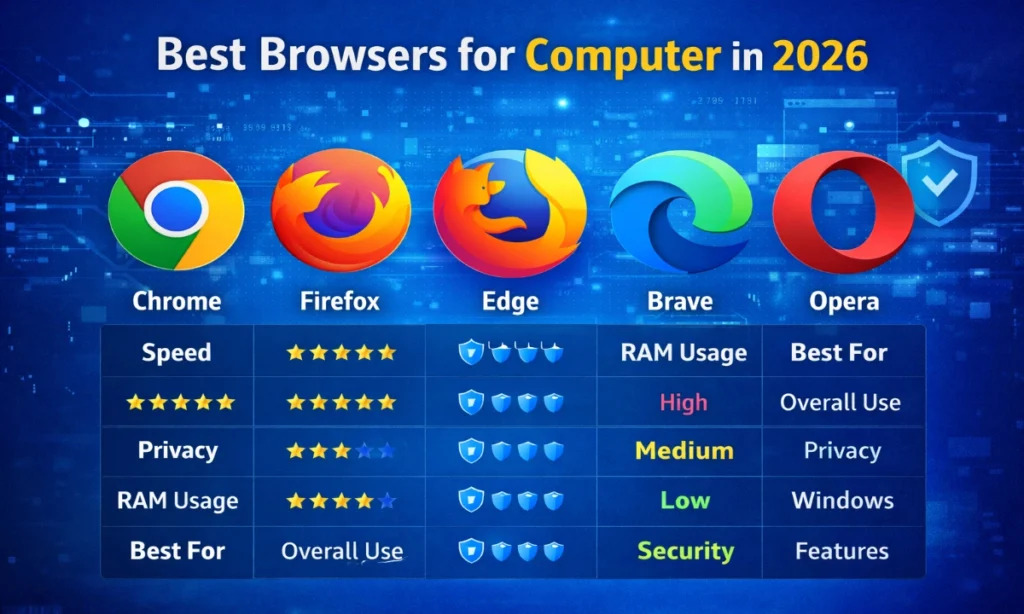
| Browser | Speed | Privacy | RAM Usage | Best For |
|---|---|---|---|---|
| Chrome | ⭐⭐⭐⭐⭐ | ⭐⭐⭐ | High | Overall use |
| Firefox | ⭐⭐⭐⭐ | ⭐⭐⭐⭐⭐ | Medium | Privacy |
| Edge | ⭐⭐⭐⭐ | ⭐⭐⭐⭐ | Low | Windows |
| Brave | ⭐⭐⭐⭐⭐ | ⭐⭐⭐⭐⭐ | Low | Security |
| Opera | ⭐⭐⭐⭐ | ⭐⭐⭐⭐ | Medium | Features |
Which Browser Is Best for You?
- 🔹 Best overall browser: Google Chrome
- 🔹 Best for privacy: Mozilla Firefox or Brave
- 🔹 Best for Windows PC: Microsoft Edge
- 🔹 Best ad-free browser: Brave
- 🔹 Best feature-rich browser: Opera
Final Verdict
There is no single browser that fits everyone. The best browser for computer depends on your needs:
- Want speed and extensions? 👉 Chrome
- Care about privacy? 👉 Firefox or Brave
- Use Windows daily? 👉 Microsoft Edge
💡 Pro Tip: You can install multiple browsers and use them for different tasks.
FAQs (For Rich Snippets)
Q1: Which browser is fastest for computer?
Google Chrome and Brave are currently the fastest browsers.
Q2: Which browser is best for low-RAM PCs?
Microsoft Edge and Brave are best for low-end computers.
Q3: Is Chrome better than Edge?
Chrome has more extensions, but Edge uses less RAM on Windows.